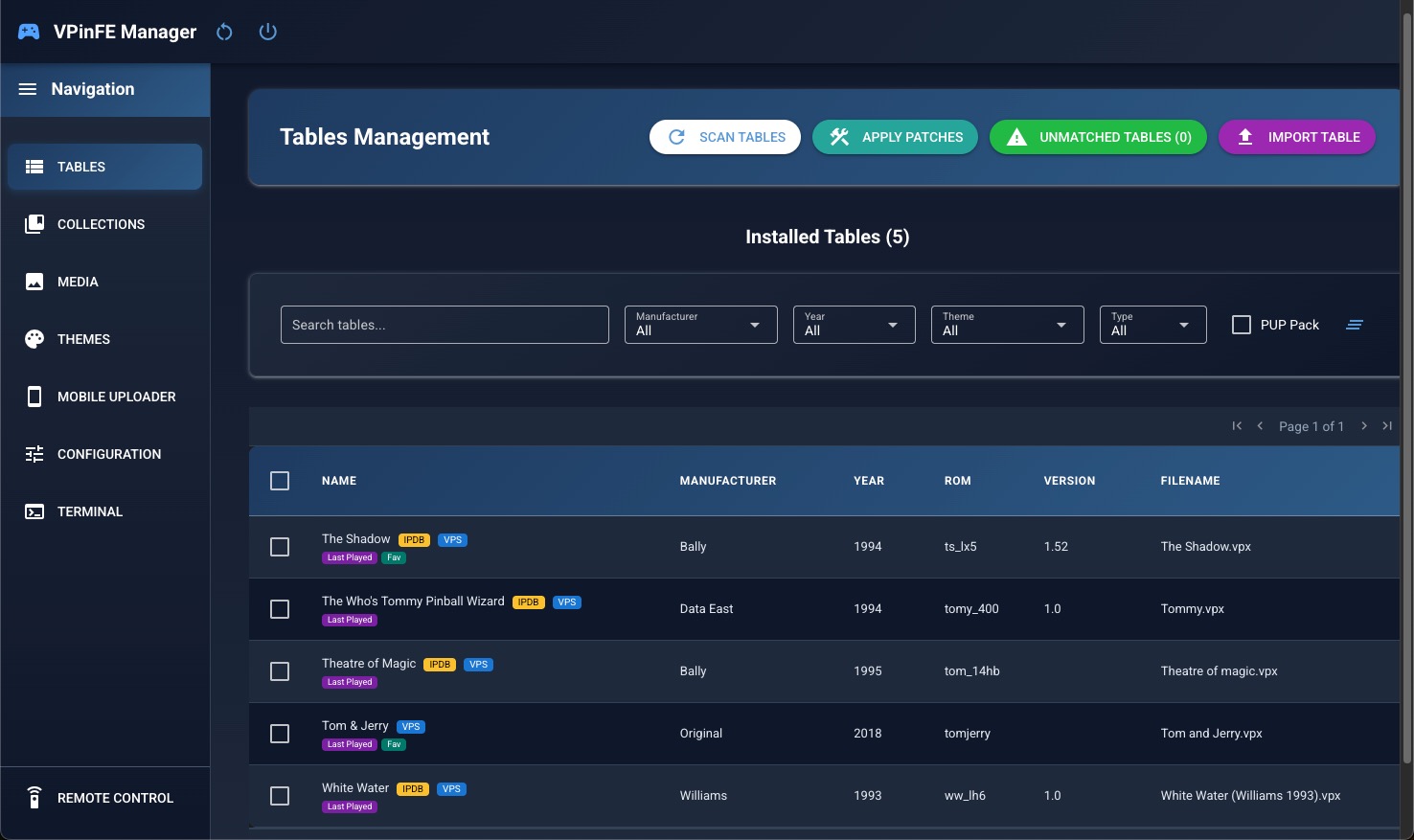
VPinFE MacOS
This is a Cross Platform Front end for Virtual Pinball. This post is about setting it up on MacOS

Youtube Video Tutorial
This Front end is running using a self contained version og Python using a Chromium browser.
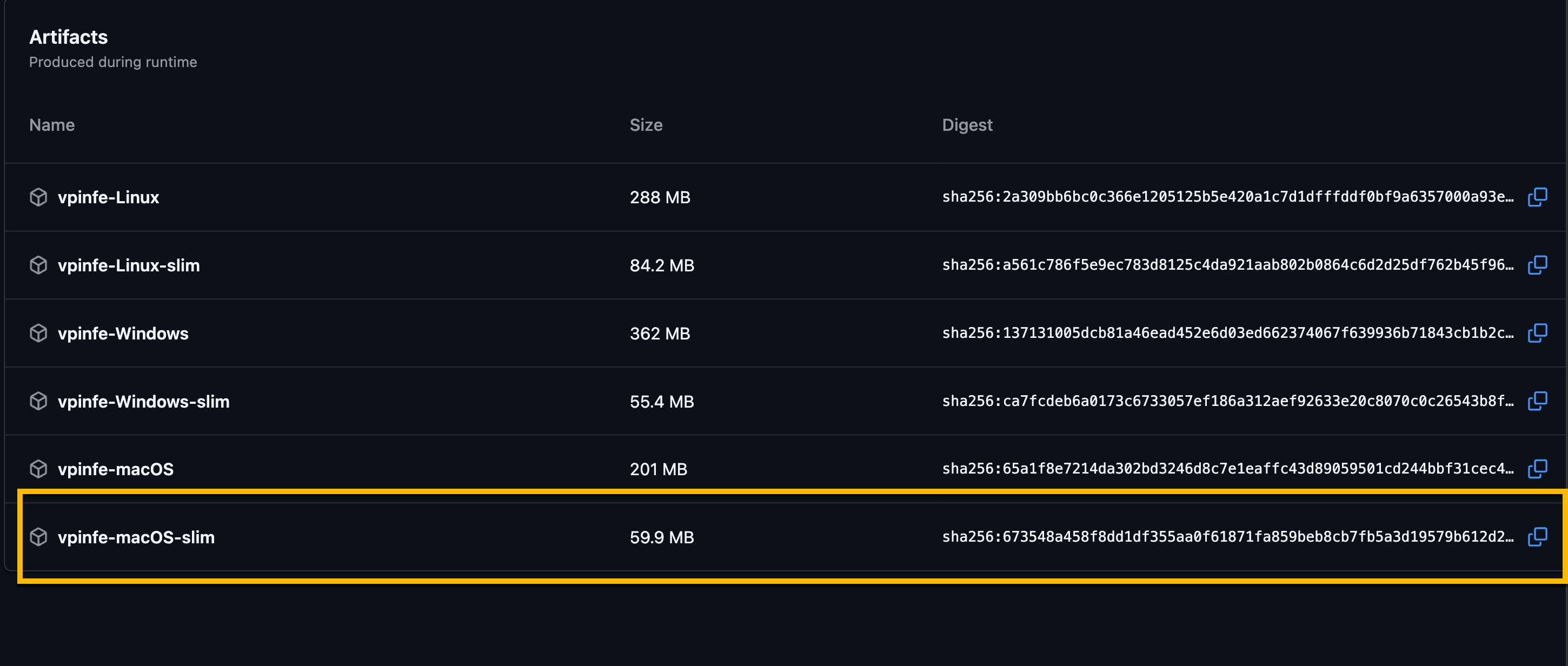
- Download the software. VPinFE Runs ( You must log in to Github )
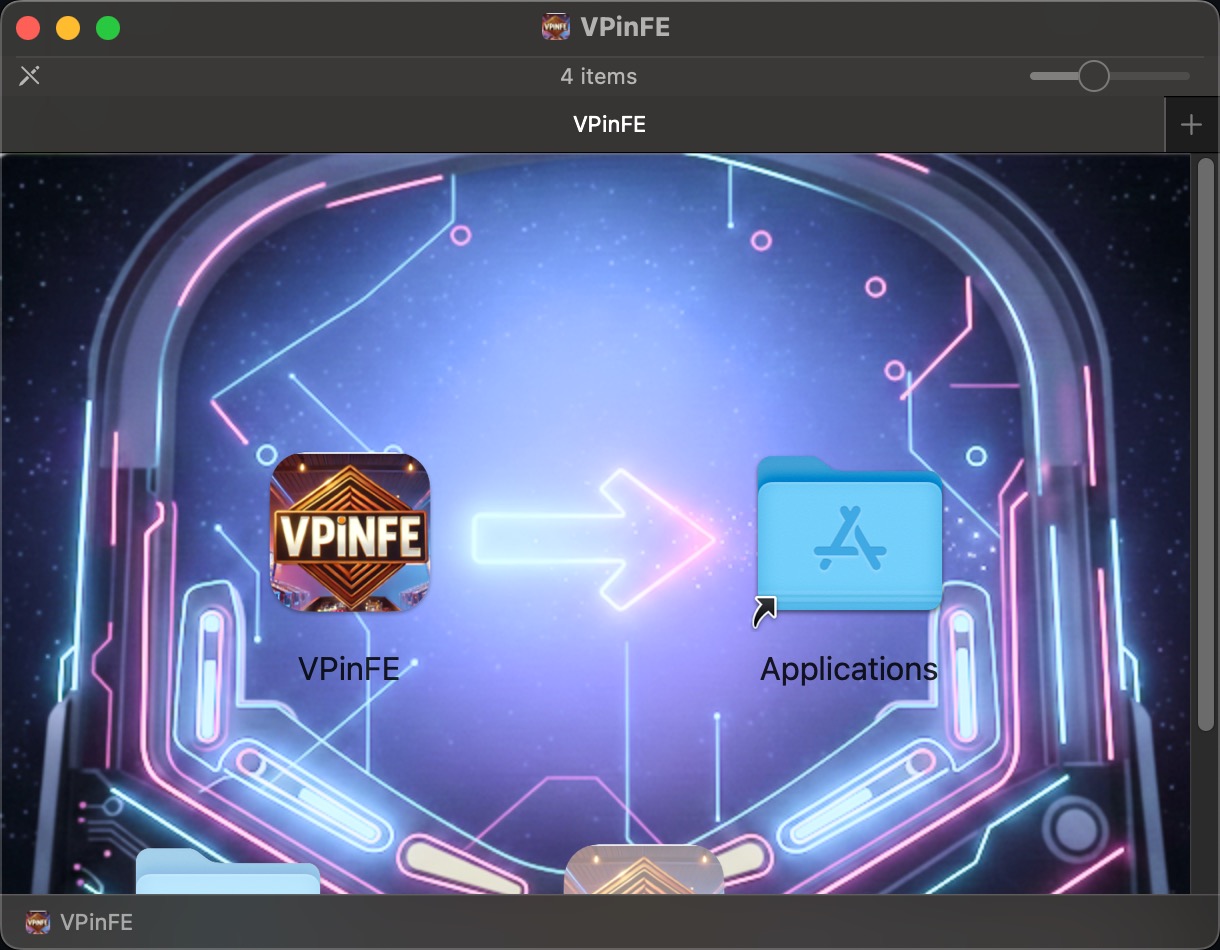
- Install the programn by dragging the icon to the Application folder.
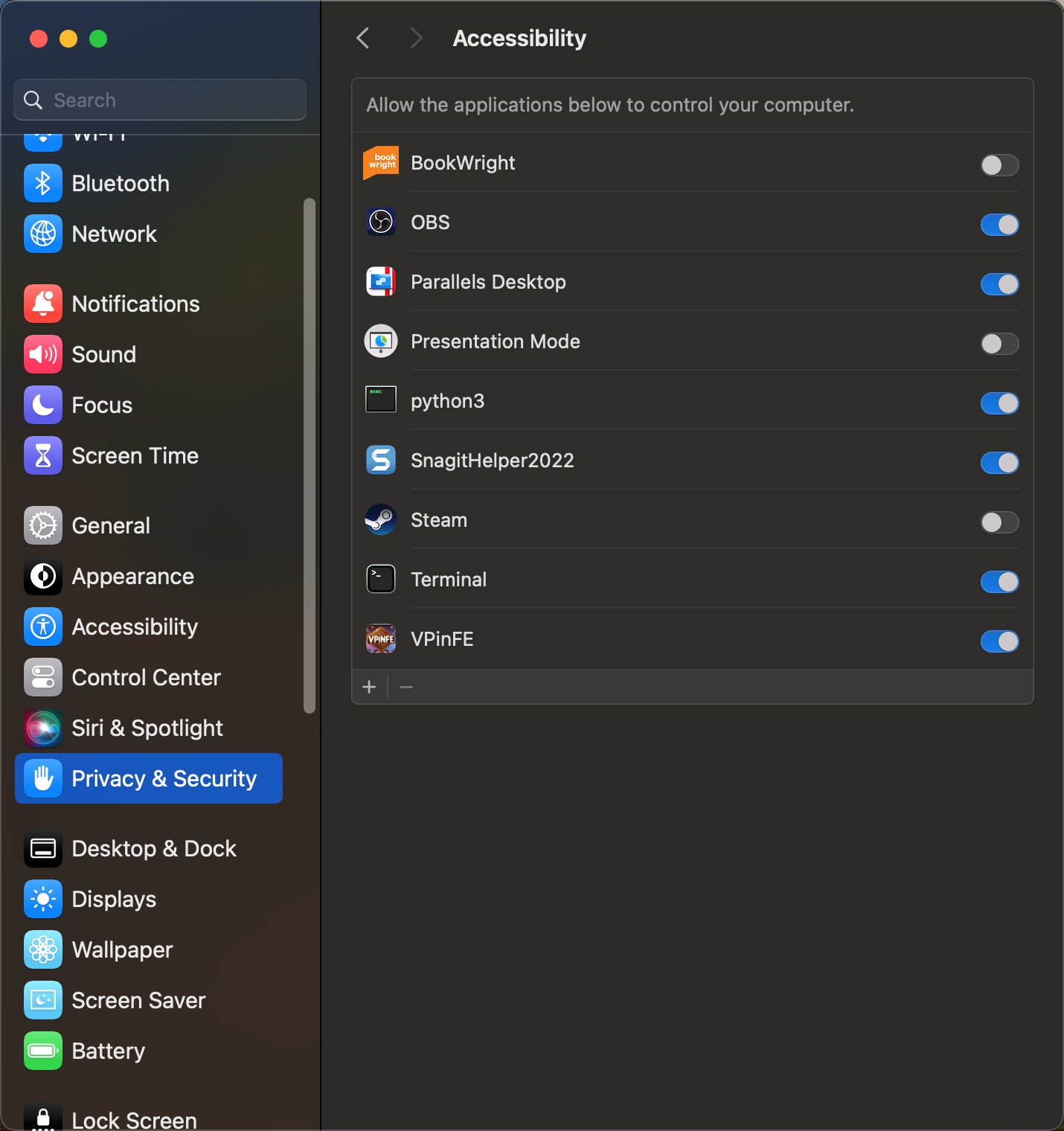
- Running the software for the 1st time will trigger a security warning. Go to your System Settings / Privacy and security and allow it to run.
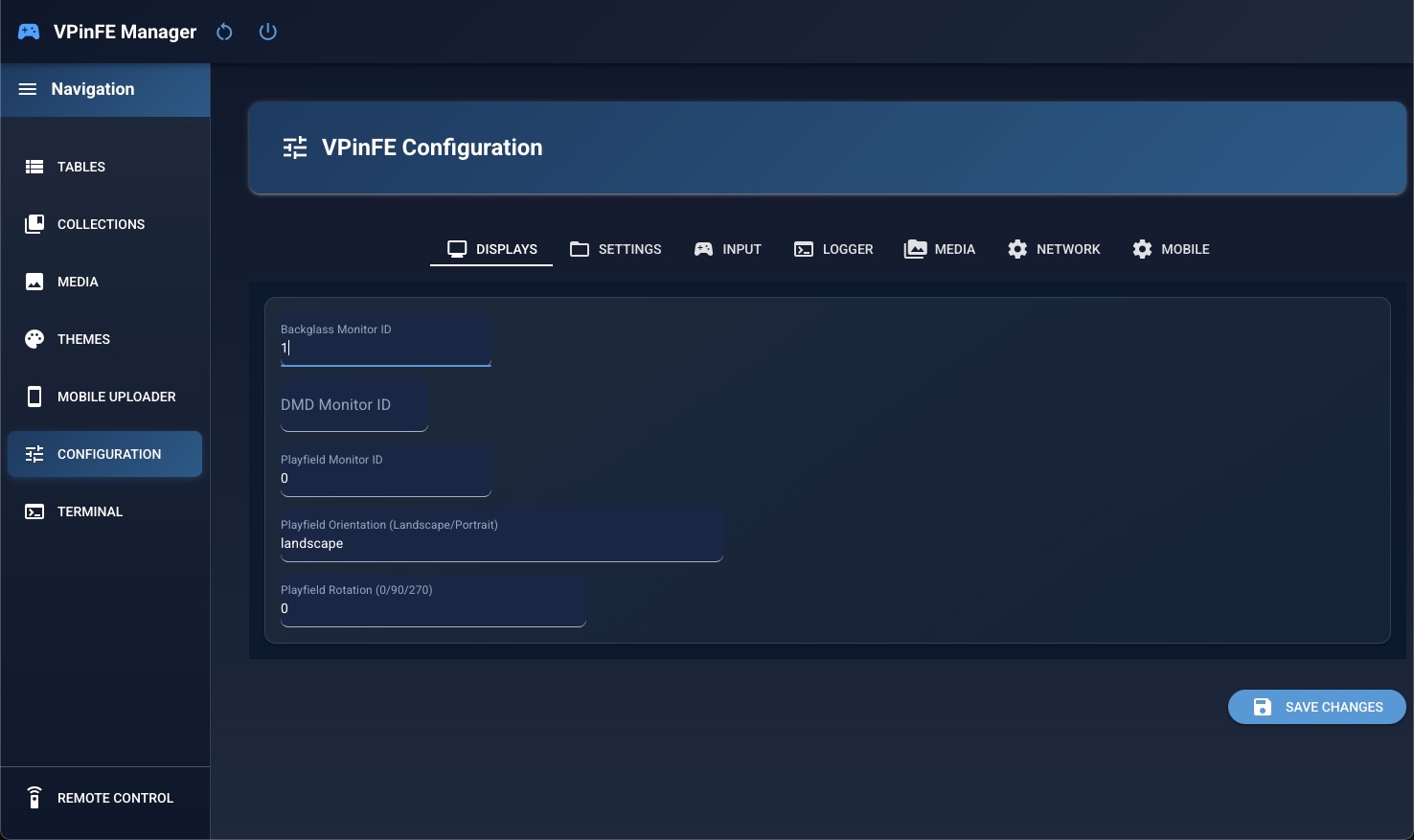
- The 1st think you will need to do is to set your monitors in the settings menu
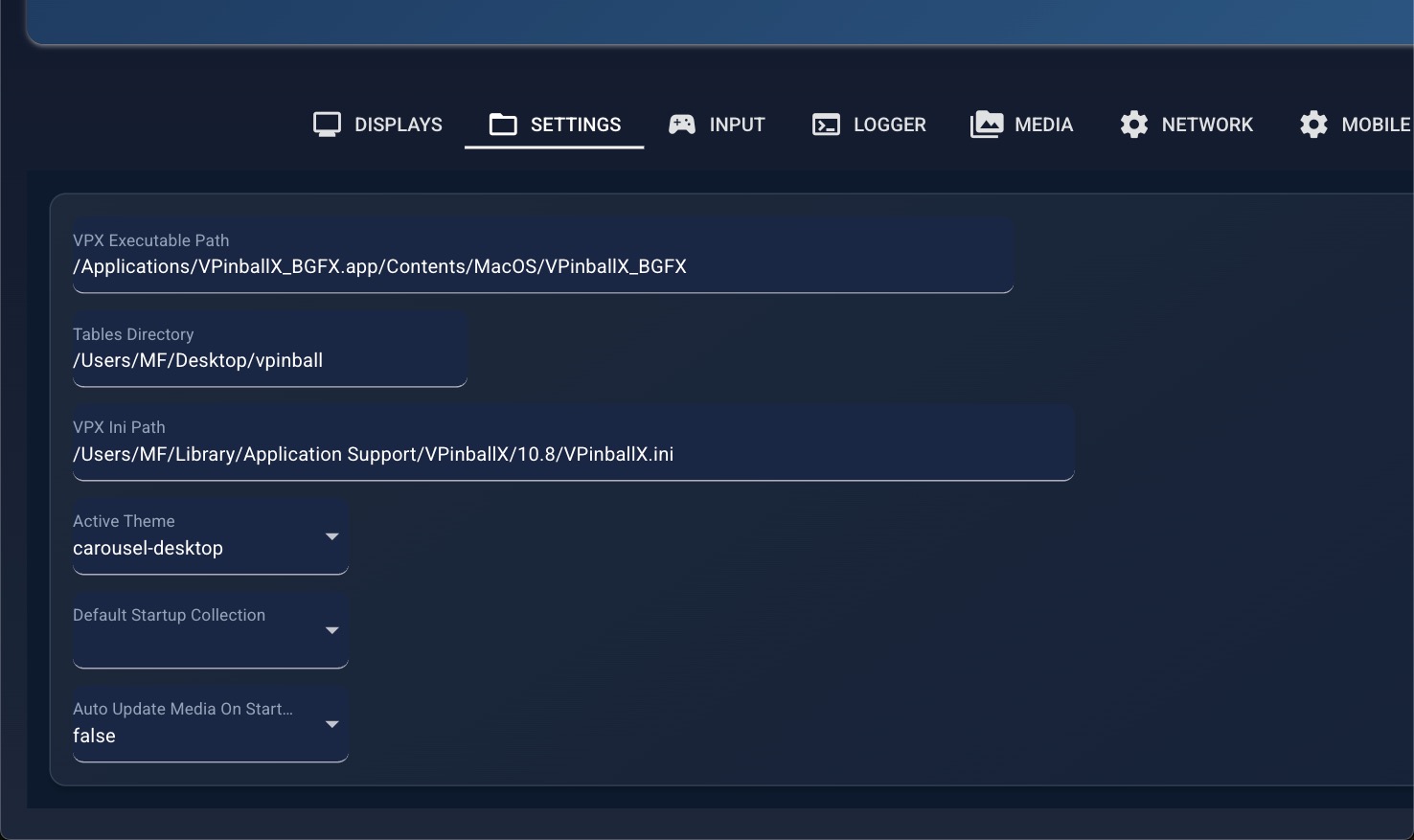
- Set the path for your VPX Standalone location / Tables / VPinbsallX.ini The default folders for those are as follow:
vpxbinpath = /Applications/VPinballX_BGFX.app/Contents/MacOS/VPinballX_BGFX
tablerootdir = /Users/YOURUSERNAME/Desktop/vpinball/
vpxinipath = /Users/YOURUSERNAME/Library/Application Support/VPinballX/10.8/VPinballX.ini
-
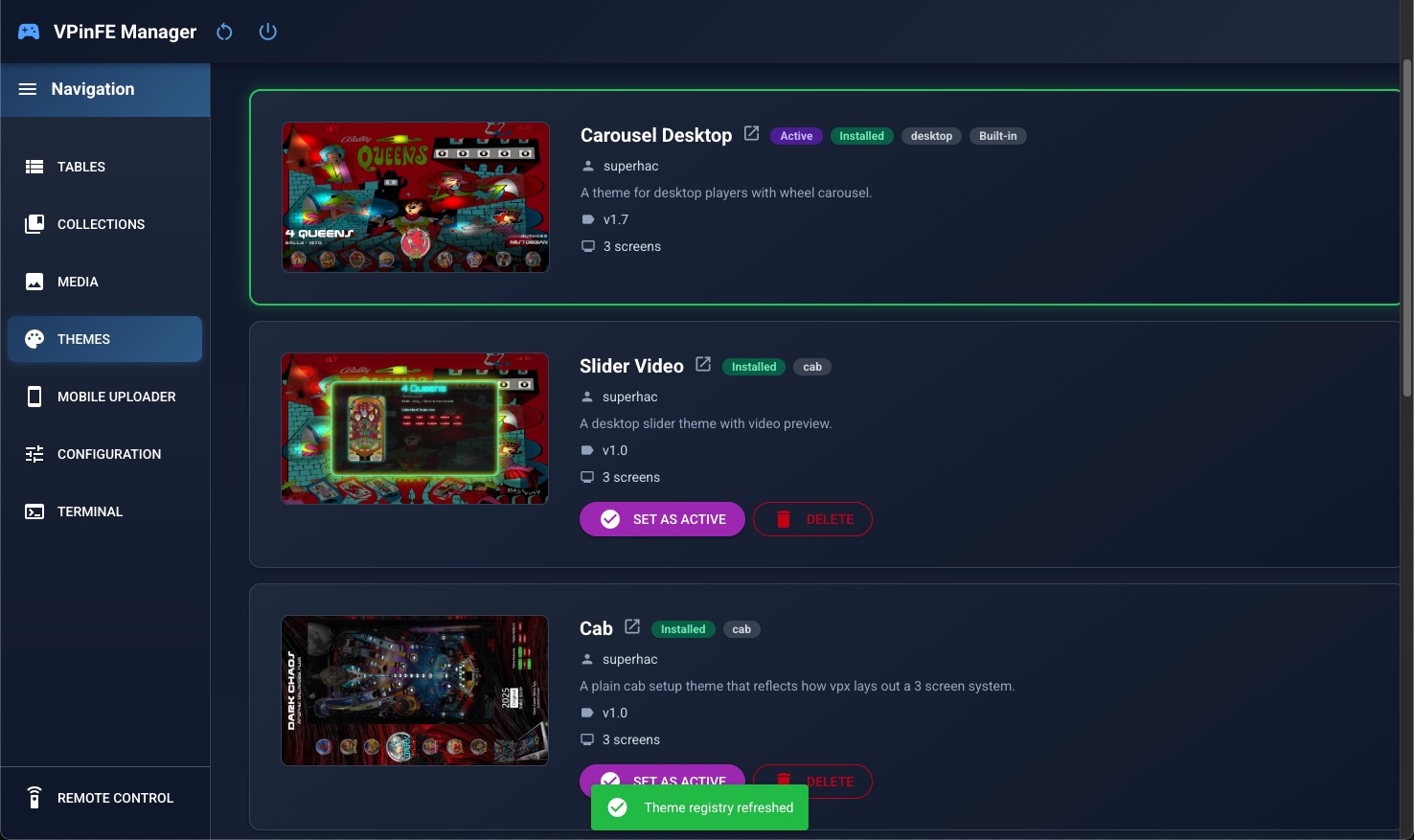
Pick a theme by activating it.
-
Cab Theme
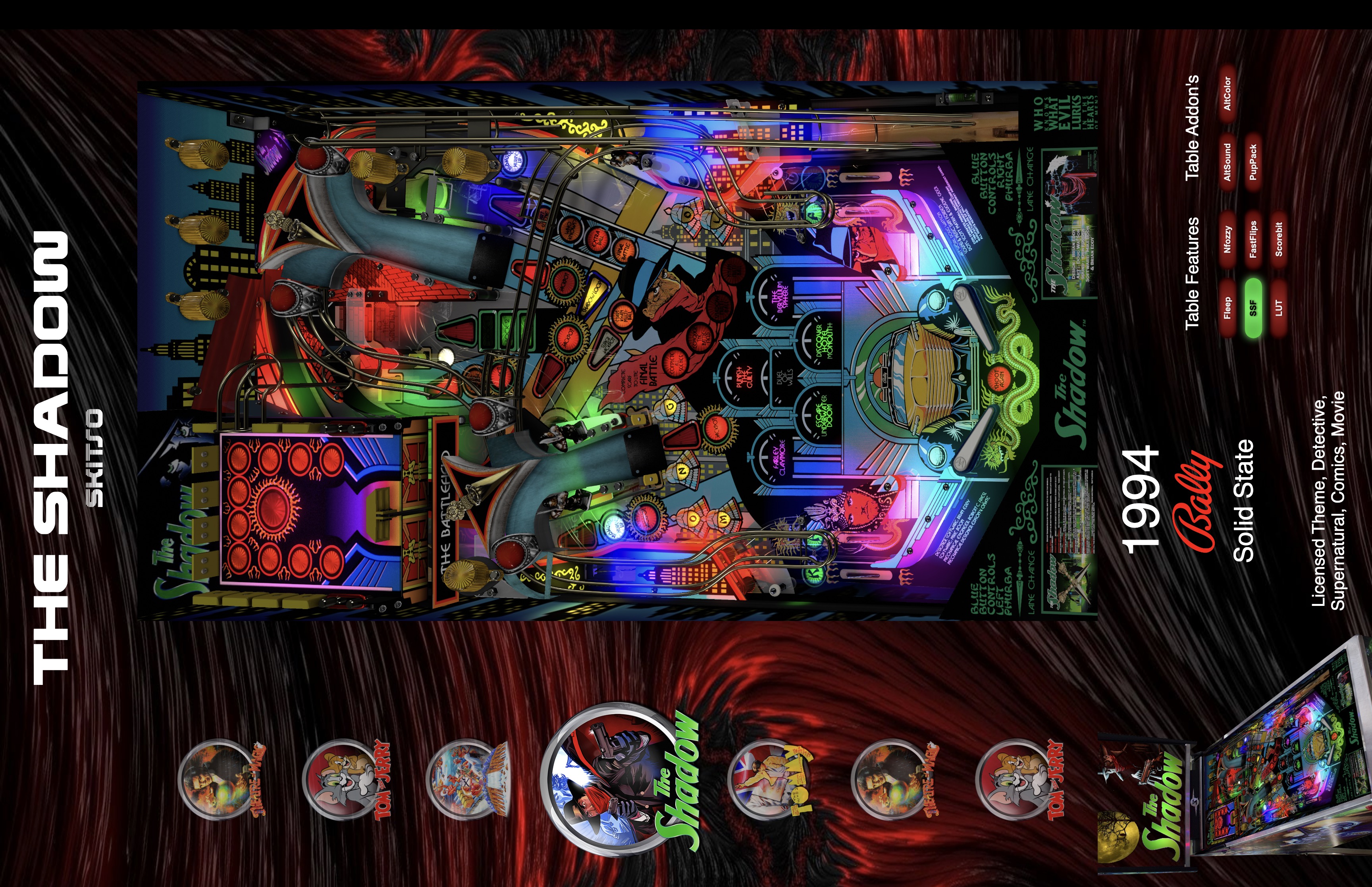
- Tables