Force Feedback (Toys)
Click any image to enlarge it.
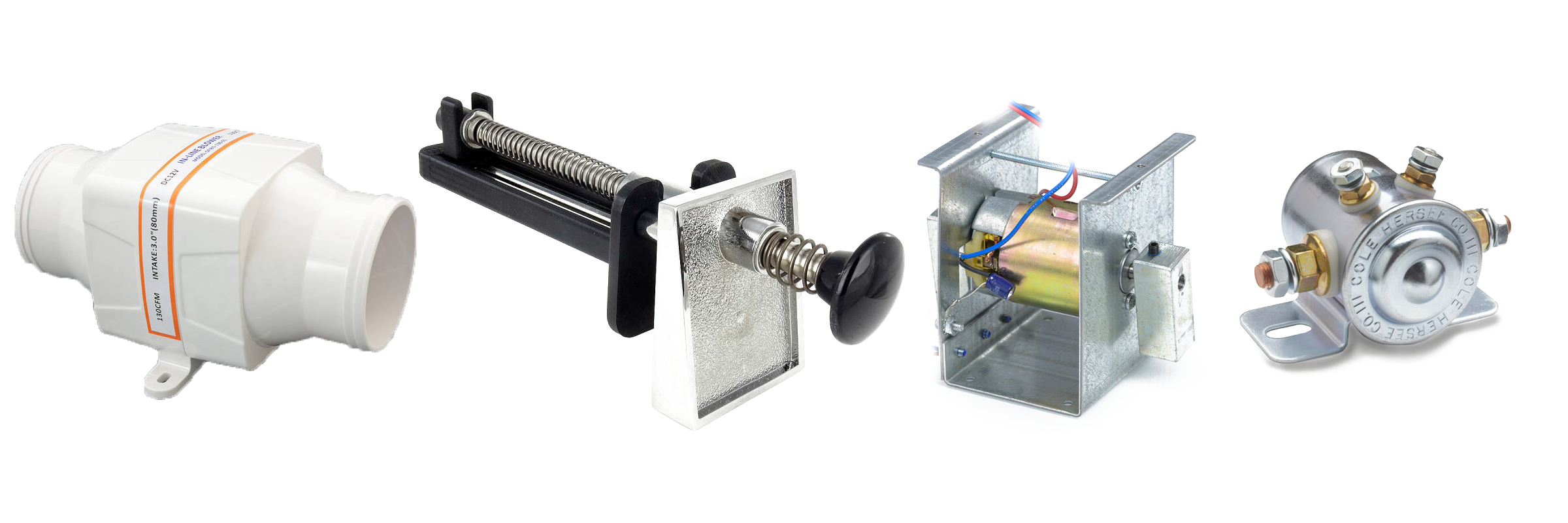
Physical force feedback means adding hardware to your virtual pinball cabinet — shaker motors, solenoids, fans, chimes, gear motors, beacons, strobes. In virtual pinball we call these devices toys.
The purpose is to make the hardware react to the table code. For example: the shaker motor turns on automatically in Jurassic Park VPX when the dinosaur eats the ball. When the ball hits the bumpers, connected solenoids trigger and add a real physical sound. You can also use a real plunger to launch the ball.
Adding Solenoids
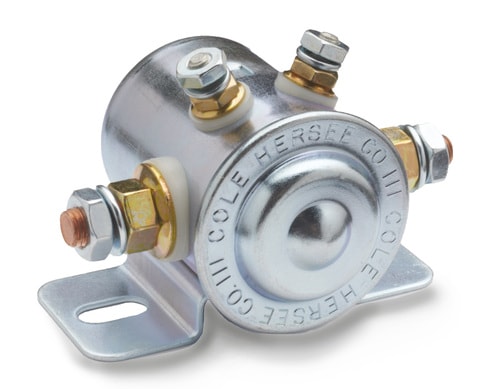
In this video I show how to prepare solenoids for your cabinet. This consists of adding a Diode 1N4007 on the positive terminal of the solenoid. This allows current to flow in only one direction — a safety feature to prevent back-EMF from blowing your controller.
▶ Watch Video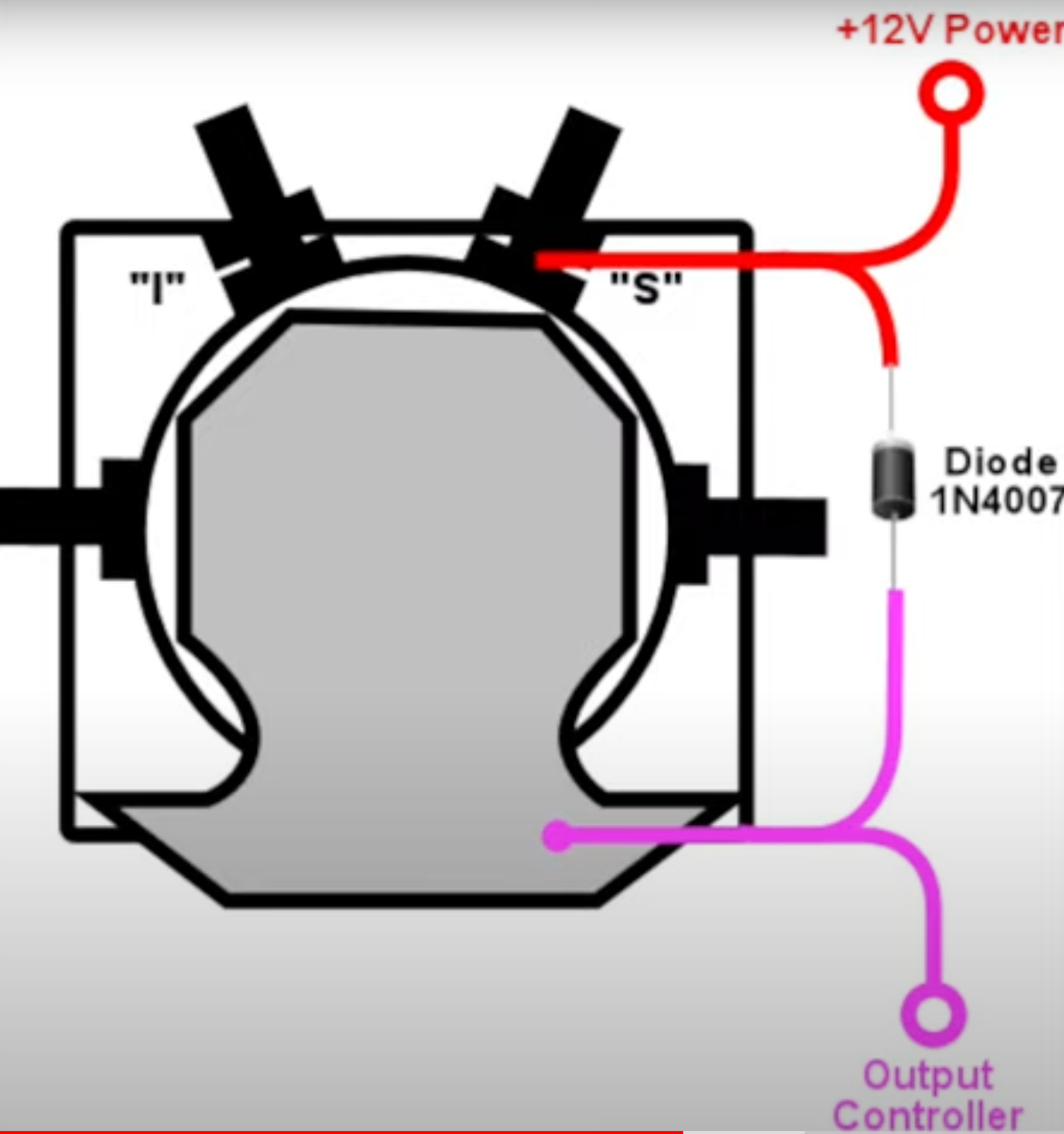
The grey bar of the diode connects to the positive terminal of the solenoid; the other side connects to the negative terminal.
To connect solenoids to your cabinet you will need a controller board — options include a SainSmart relay board, a KL25Z with booster MOSFET cards, a Pinscape, a Rigmaster, or similar.
- Positive (+) terminal of the solenoid → 12V+ of your power supply
- Negative (−) terminal of the solenoid → a port on the controller board
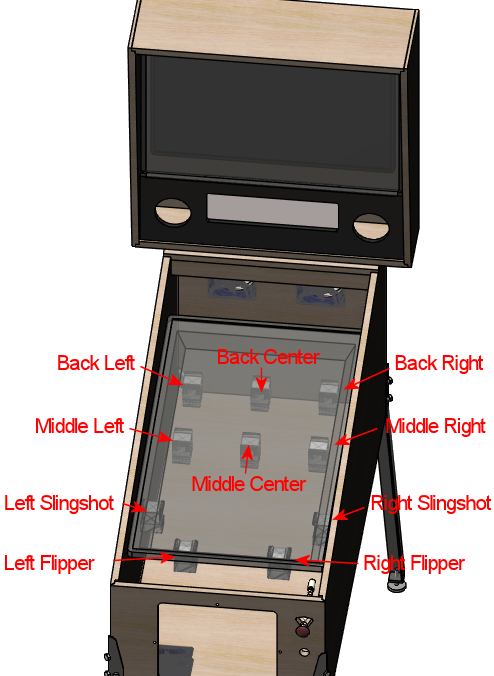
A typical virtual pinball setup uses 10 solenoids installed as follows:
Solenoid Recommendations
After testing many solenoids and contactor assemblies over the years, here are my recommendations:
- 6 × 12V Car/Truck starter solenoids for the bumpers (no specific brand required)
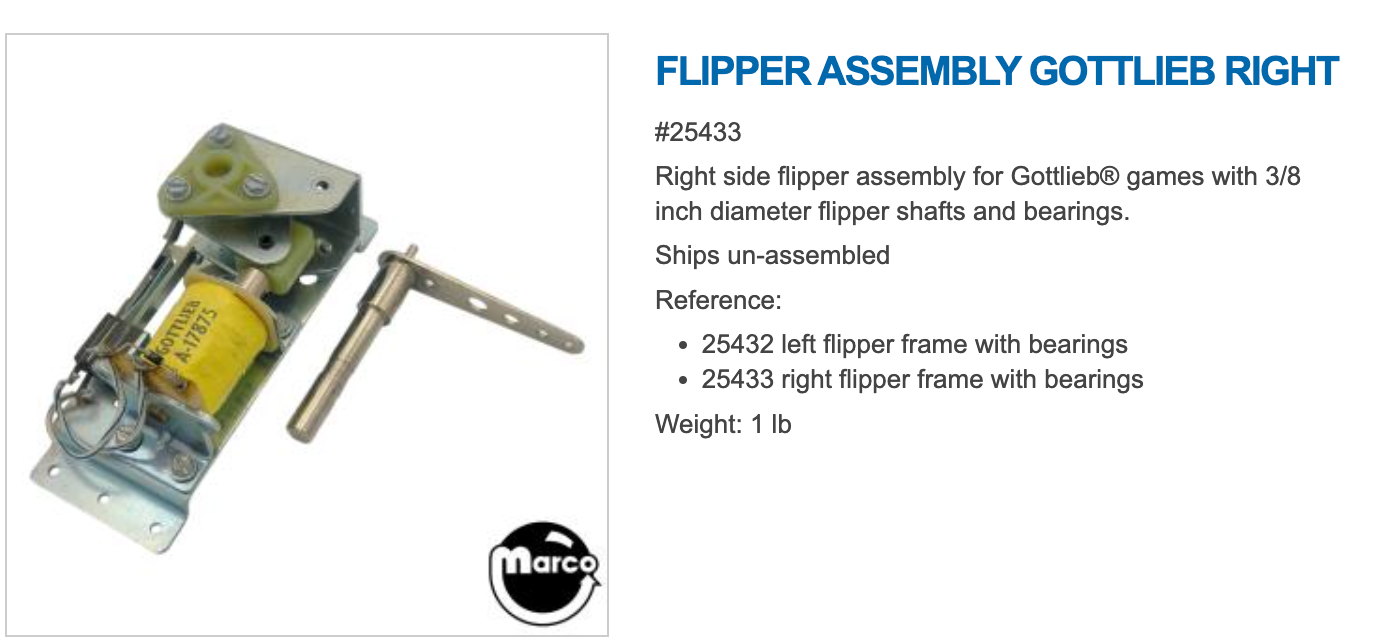
- 2 × Real pinball flipper assembly
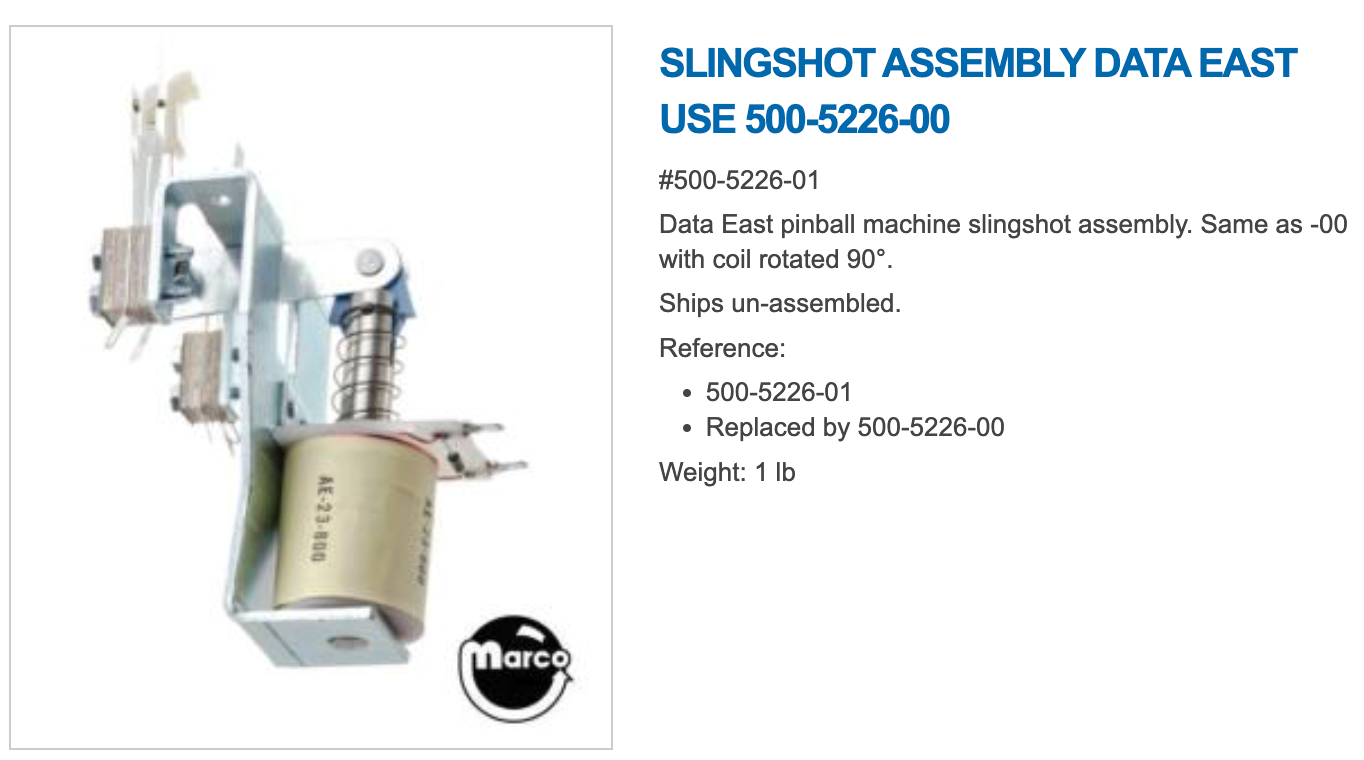
- 2 × Real pinball slingshot assembly
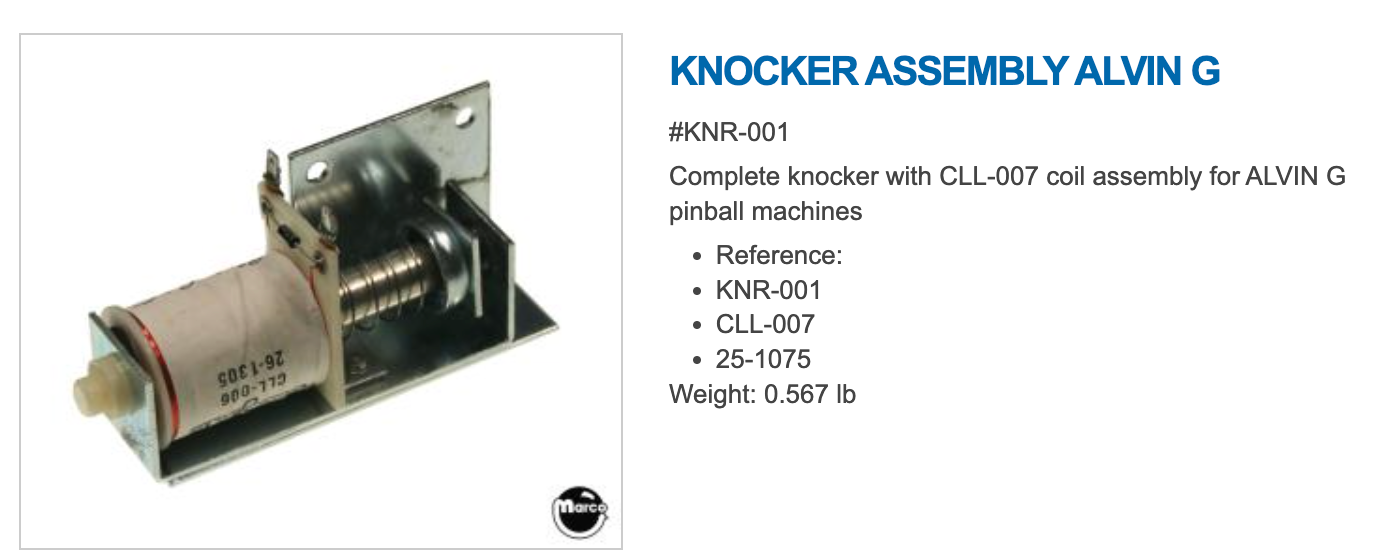
- 1 × Real pinball knocker
Real pinball assemblies are designed for 50V but are still extremely loud at 24V.
The knocker is also designed for higher voltage but 24V is already very loud.
Controller Boards
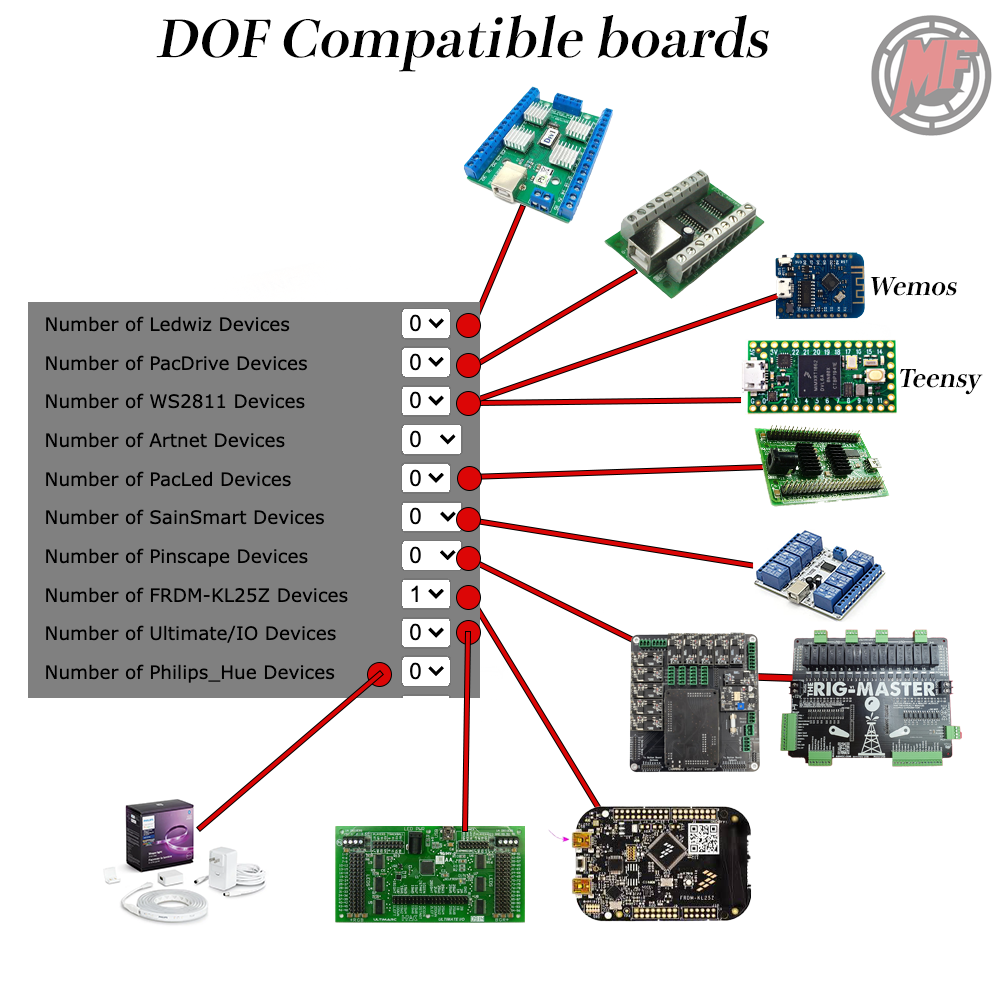
To use DOF (Direct Output Framework) on your computer, you need DOF-compatible hardware to connect your toys. Below is a list of compatible controllers. You can also see these in the Online DOF Config Tool.
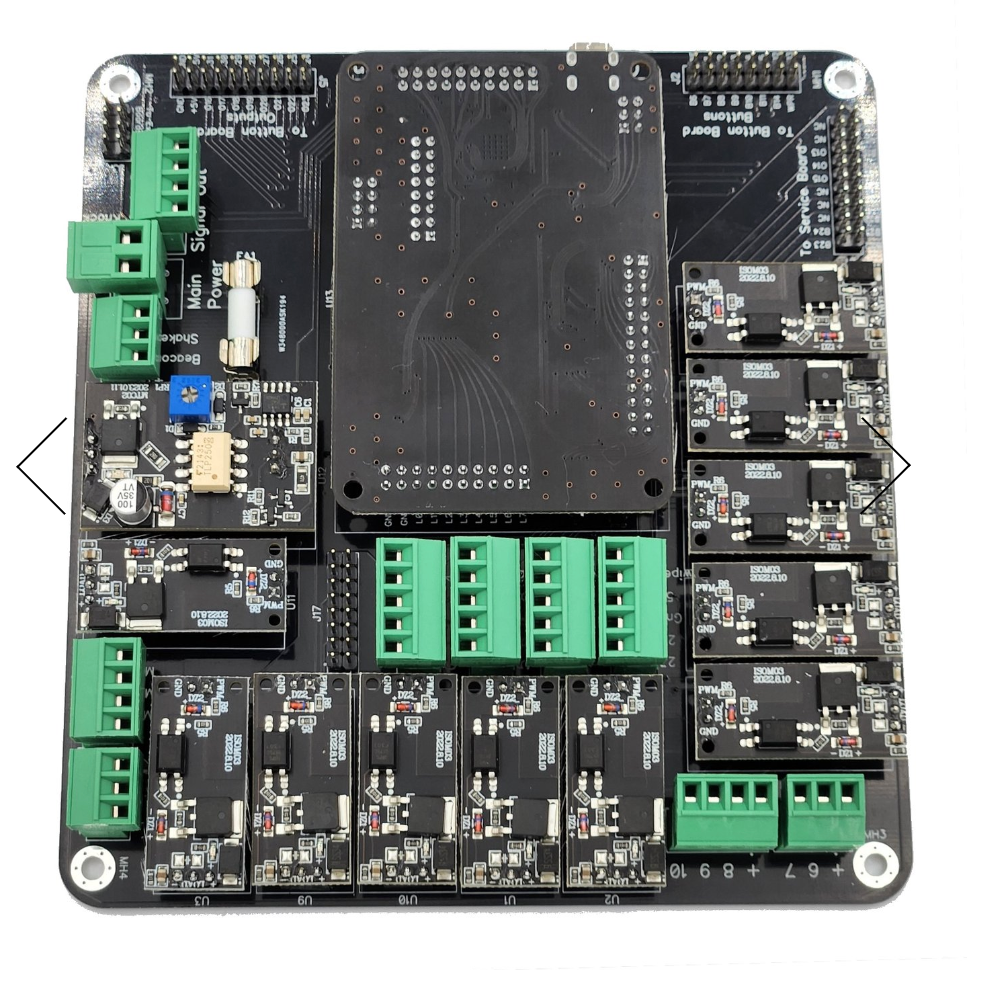
Cleveland Software Pinscape Board
KL25Z-basedConnects and boosts all your toys using the KL25Z board. Well built with good support. Popular in the community with consistently positive feedback.
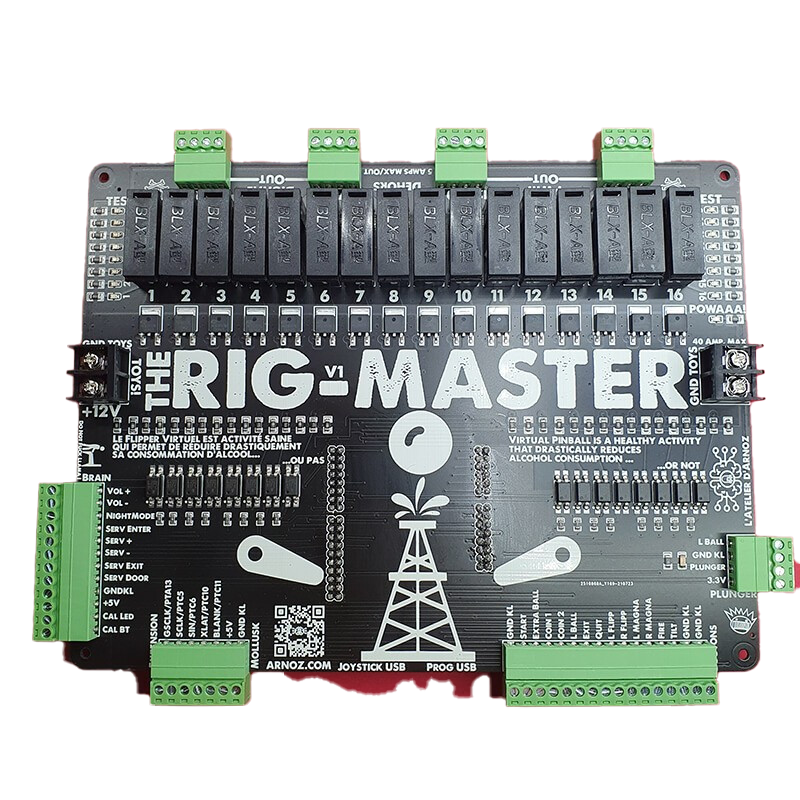
Arnoz Rigmaster
All-in-OneAll-in-one solution for connecting buttons and toys. Has on-board fuses — a very nice safety feature. I tested this board and it's quite good. Note: the PWM for the shaker motor doesn't seem to work. Has 16 outputs (8 PWM ports) and supports expansion boards for more devices and LEDs.
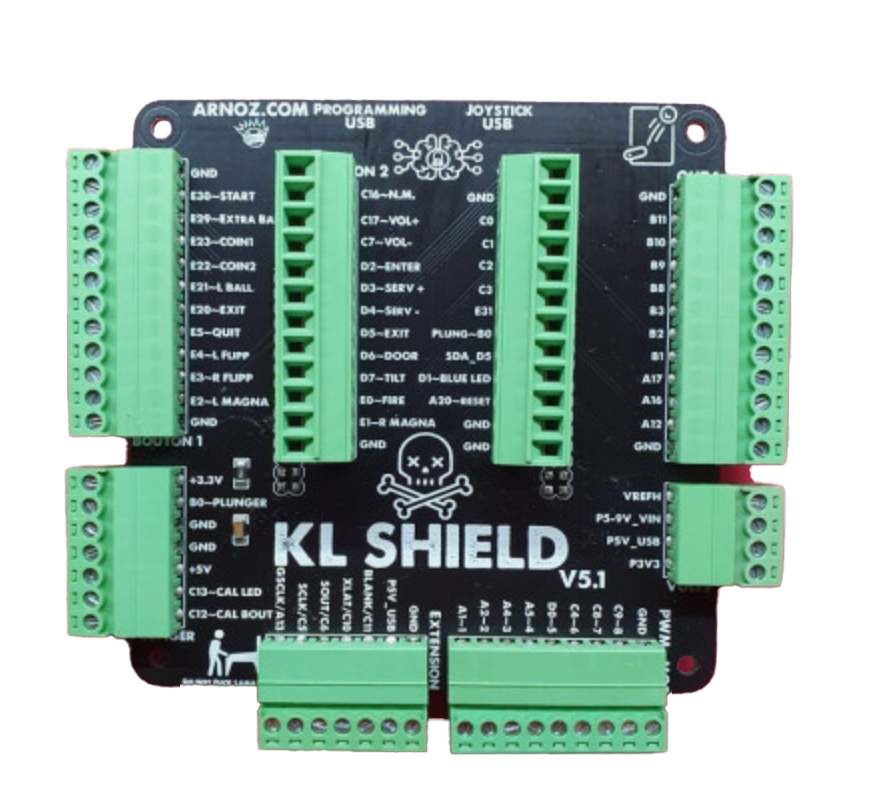
Arnoz KLshield
KL25Z ExpansionExpansion board for the KL25Z — makes button wiring much easier. Has 10 outputs for toys that require a power booster (e.g. MOSFET board). Also supports connecting a plunger.
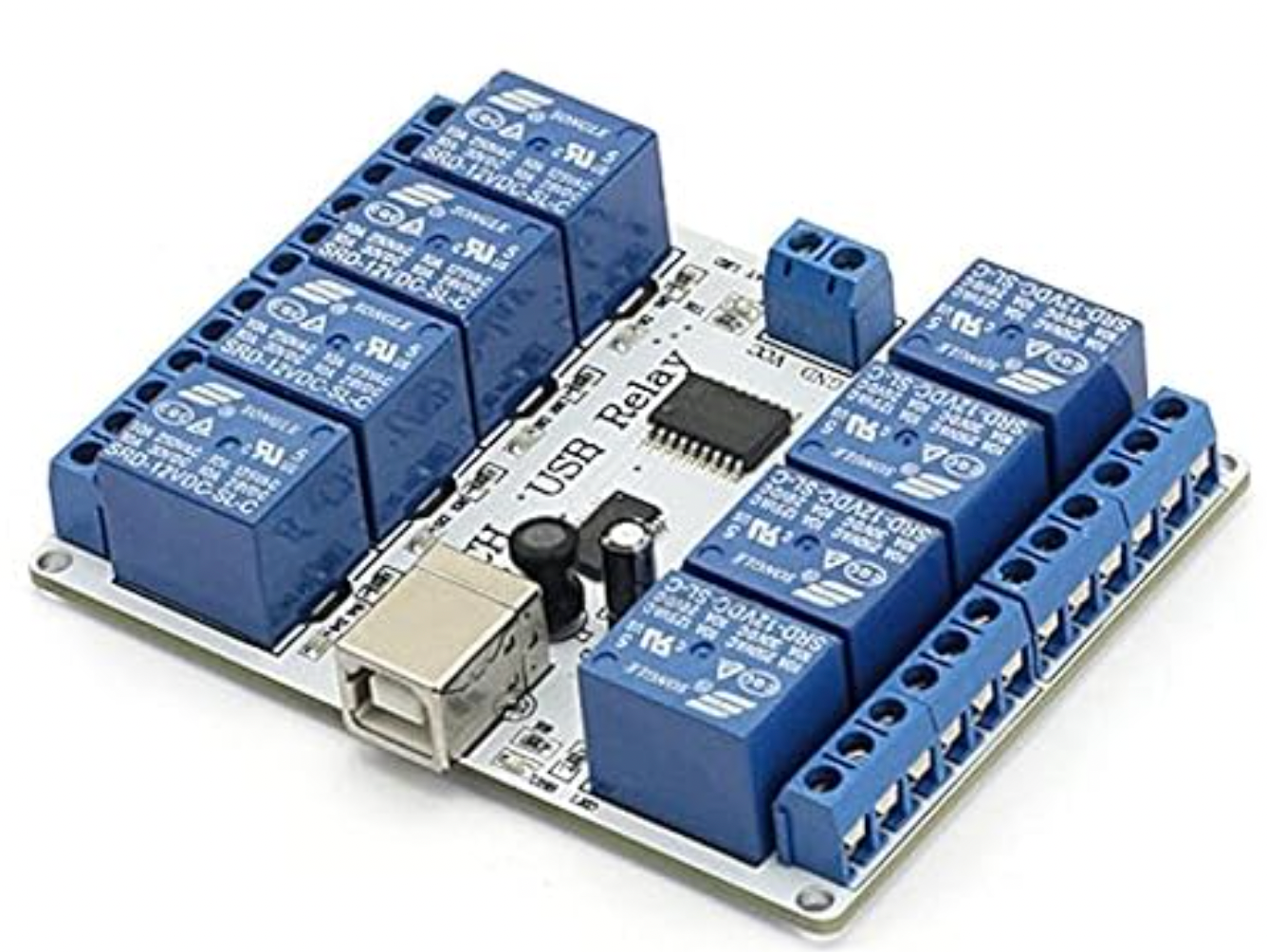
SainSmart USB 8-Port Relay
USB RelayRelay board that connects up to 8 power toys such as solenoids and a shaker motor. Can handle up to 10A per port.
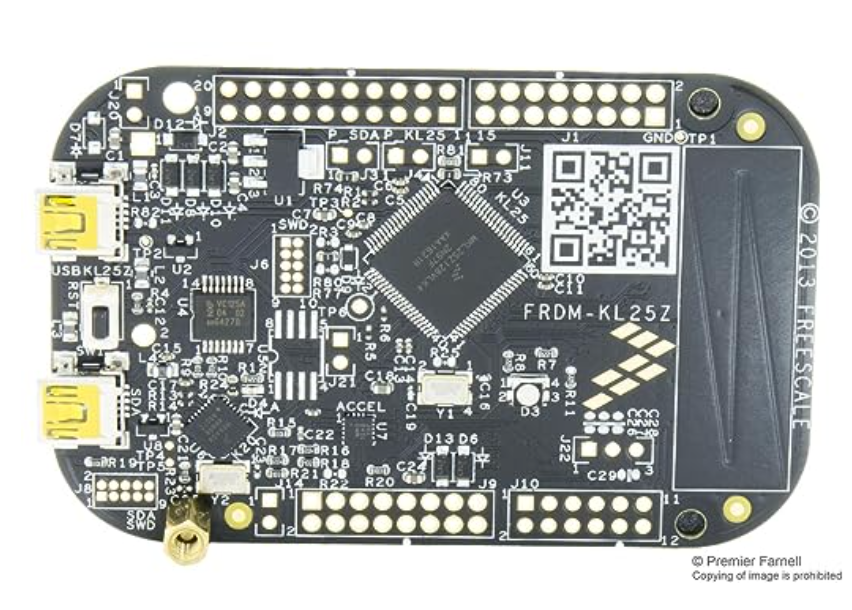
KL25Z
Core BoardThe main development board used in many controller expansion boards (Rigmaster, KLshield, Pinscape). Can also be used standalone for buttons and toys. Requires a power booster board (e.g. MOSFET) for driving toys.
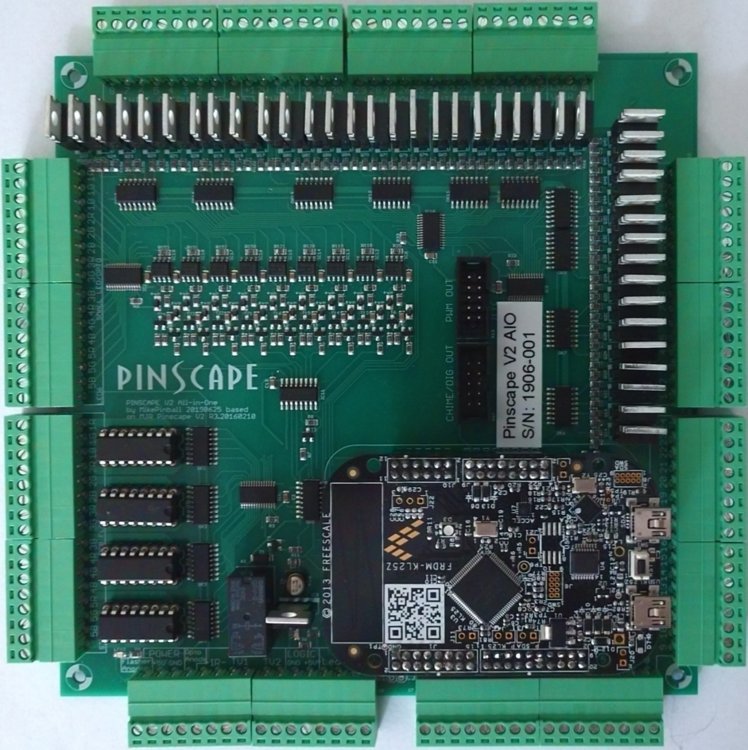
Pinscape Oak Micro AIO
DiscontinuedHonestly, the best board I ever tested — I'm still using it in my main cab. Unfortunately it has been discontinued and is no longer available. Listed here for reference.
Adding a Shaker Motor
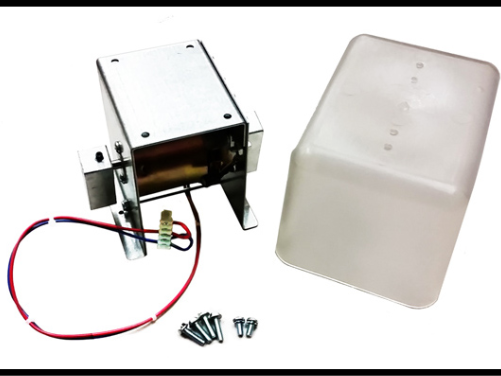
A shaker motor is a fantastic addition to your cabinet — it does exactly what it's designed to do: shake. After testing a few options, I still believe the only truly viable choice is an authentic pinball shaker motor like the Stern shaker.
The shaker motor has been programmed into more than 300 virtual pinball tables.
Connecting the Shaker Motor
Every toy connects the same way:
- Add a Diode 1N4007 if there is a magnetic field (motors, solenoids)
- Connect the Positive to the power supply
- Connect a fuse between the negative and the controller port
- Connect the Negative to a port on your controller board
DIY Shaker Motor (Cheap Alternative)
If you want to build a cheap shaker using a Chinese gear motor, there's a TinkerCAD design available:
🔧 TinkerCAD Shaker DesignAddressable LEDs
Addressable LEDs (ALED) are another popular toy for virtual pinball cabinets, adding reactive RGB lighting effects synchronized with the gameplay. See the dedicated guide:
💡 ALED Setup Guide → ---Related: DOF Setup · SainSmart Tutorial · KL25Z Tutorial · Addressable LEDs